

Apple Releases iOS 27.2: New Features, Siri AI Improvements, Security Fixes and How to Download
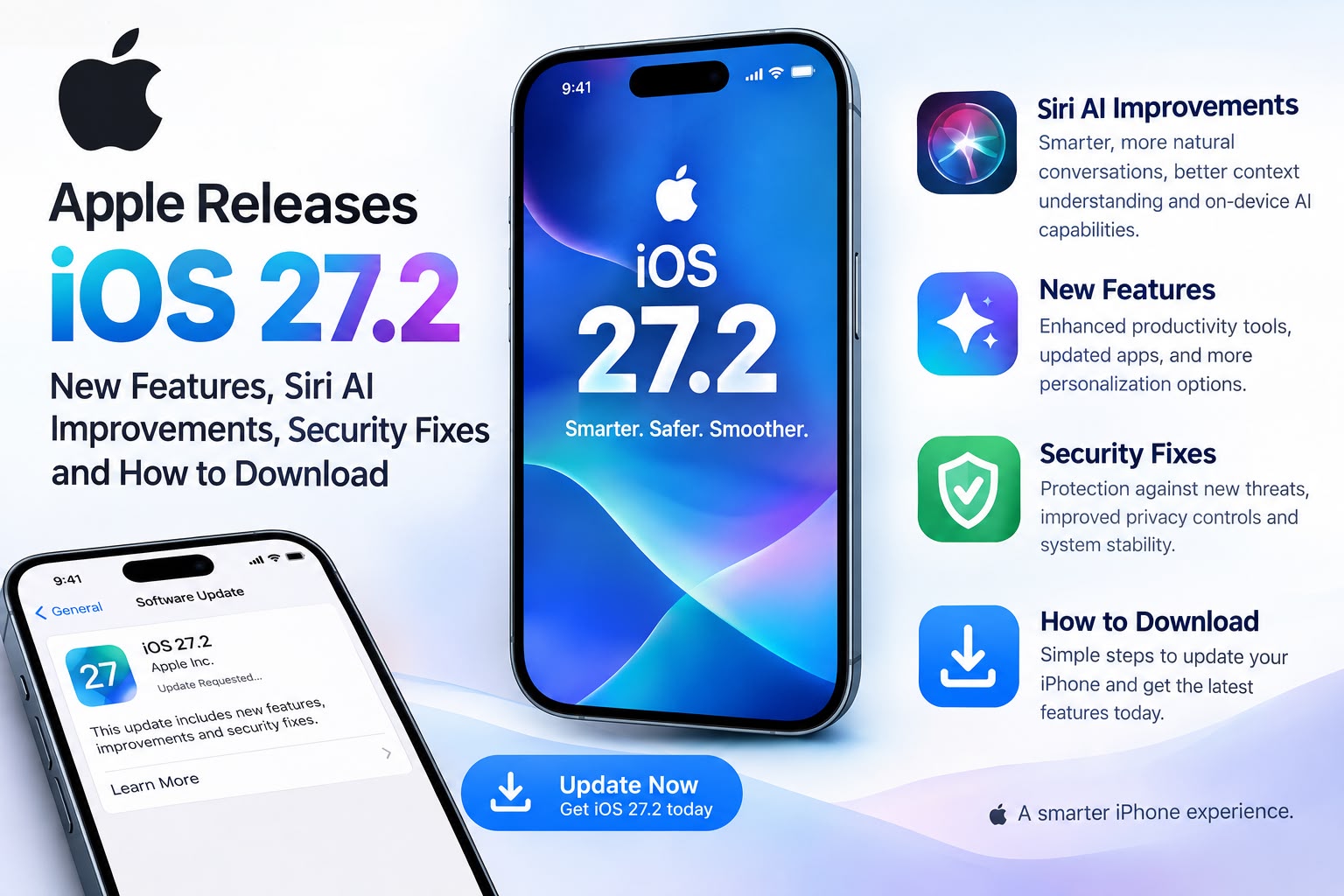
Apple has officially released iOS 27.2 on October 26, 2026, bringing new features, expanded Siri AI capabilities, improvements to Messages and Photos, and important security updates to compatible iPhones. The update also introduces changes to Apple Music, Podcasts, FaceTime and the Apple TV app, making it an important software upgrade for users looking to improve their iPhone experience.
The latest update is part of Apple's continued efforts to enhance artificial intelligence, privacy, security and everyday usability across its devices. For Indian users, iOS 27.2 offers an opportunity to explore Apple's latest software improvements, although the availability of certain AI features depends on the iPhone model, language settings and region.
Apple has also published security information for iOS 27.2, addressing vulnerabilities across multiple system components. Users with compatible devices can check for the update through their iPhone's Software Update settings.
iOS 27.2 Release Date and Availability
Apple released iOS 27.2 on October 26, 2026. The update is available for iPhones that support the iOS 27 operating system.
The release brings Apple's latest iPhones onto a common software version while introducing new functionality and refinements across several built-in applications.
iOS 27.2 at a glance
- Release date: October 26, 2026
- Operating system: iOS 27.2
- Compatible devices: iPhones eligible for iOS 27
- Major highlights: Siri AI improvements, Messages suggestions, Photos enhancements and security fixes
- Download method: Settings > General > Software Update
Users should check their individual devices for availability, as the displayed update and installation process may vary depending on the iPhone model and current software version.
Top Features of iOS 27.2
1. Siri AI Becomes More Capable
One of the biggest highlights of iOS 27.2 is the improvement to Siri AI, Apple's artificial intelligence-powered assistant.
With this update, Siri AI can recall information from previous conversations, making it easier for users to refer back to earlier recommendations and responses. For example, users may be able to ask Siri about a restaurant it recommended previously rather than repeating the entire request.
Siri AI can also use additional sources of personal information to provide more relevant responses. These include photos attached to Messages, calendar event attendees, voicemails, Safari history and the Reading List.
Apple has also introduced a redesigned Excluded Apps setting. This allows users to manage which apps Siri, Search and system suggestions can access through a more consolidated control.
Another useful improvement is more precise text selection in Siri responses, enabling users to select and copy specific portions of an answer.
These changes aim to make Siri more useful for everyday tasks, information retrieval and personal productivity. However, advanced Siri AI capabilities require compatible hardware and supported language settings.
2. Siri AI Adds Support for More Languages
iOS 27.2 expands Siri AI language support to include French, Japanese, Korean, Portuguese and Spanish.
This development could help Apple make its AI-powered assistant more accessible to users across different markets.
For India, language availability remains an important consideration. The newly announced language additions do not include Hindi. Users should also distinguish between Siri's traditional language support and the languages supported by its newer AI capabilities.
The availability of individual Apple Intelligence features can depend on device compatibility, software configuration and regional restrictions.
3. Messages Gets Smarter Suggestions
Apple has introduced contextual suggestions in the Messages app to help users take action directly from conversations.
For example, if someone sends a dinner invitation, the system may suggest adding the event to Calendar. Depending on the conversation, suggestions can also help users work with apps such as Notes, Reminders and Maps.
These shortcuts are designed to reduce the need to switch between applications when managing everyday activities.
For people who frequently use their iPhones for work, travel planning or coordinating with family and colleagues, contextual suggestions could make messaging more efficient.
4. Apple Photos Receives Useful Improvements
The Photos app receives several practical enhancements in iOS 27.2, particularly for users who share albums with friends and family.
The update introduces options to edit captions and comments in Shared Albums, helping users keep shared photo collections organised.
Apple has also added improvements designed to help users avoid duplicate photos and receive reminders before shared albums expire. These reminders can give participants an opportunity to save important photographs and videos.
The update also introduces SynthID-related labelling for certain AI-generated images and selected edits made through Apple's image tools.
These changes reflect Apple's wider focus on photo management, transparency around AI-generated content and improving the experience of sharing memories.
5. Apple Music Gets a New Look
iOS 27.2 brings visual changes to Apple Music, including an updated app icon and revised interface colours.
The redesigned icon follows Apple's updated branding, while changes to navigation highlights and other interface elements provide a refreshed appearance.
Although these changes are primarily visual, they contribute to a more consistent design across Apple's software ecosystem.
The update does not necessarily change the core music-streaming experience, but users may notice the refreshed branding when opening the app.
6. Apple TV Introduces User Profiles
The Apple TV app receives a useful update with the addition of user profiles on compatible iPhones and iPads.
Profiles allow different members of a household to maintain more personalised experiences within the app.
Apple has also introduced child-profile options that allow parents to configure age-appropriate content restrictions. A child profile applies a default PG content rating, with additional customisation available.
This could be particularly useful for families who share devices or use Apple TV services to watch films and television programmes.
By separating profiles and providing content controls, Apple aims to make the viewing experience more personalised and family-friendly.
7. Podcasts App Gets a More Organised Interface
Apple has updated the Podcasts app with separate sections for New Episodes and Continue Playing on the Home tab.
The revised layout helps users distinguish between newly available episodes and programmes they have already started listening to.
For regular podcast listeners, this change could make it easier to discover new content and resume previously interrupted episodes.
The improvement is especially useful for people who follow multiple podcasts and want a simpler way to manage their listening activity.
8. FaceTime Adds Improvements for Video Calls
iOS 27.2 expands FaceTime functionality with Dual Capture support during group calls on compatible devices.
Dual Capture allows the front and rear cameras to capture video simultaneously, providing a more flexible way to share a user's face and surroundings.
The feature can be useful for demonstrations, travel updates, collaborative discussions and other situations where showing both the speaker and their environment adds context.
Apple has also added an option to include a third-party sign-language interpreter or live captioner in a call.
Feature availability depends on the device and supported software configuration.
9. Shortcuts Gets New Automation Options
The Shortcuts app receives additional actions and automation improvements in iOS 27.2.
These changes make it easier for users to automate routine activities and customise how their devices behave.
The update includes expanded automation capabilities, improvements to existing actions and options for editing shortcut names and icons directly from the library.
Apple has also improved certain Shortcuts actions, including support for extracting tables or lists from images and processing QR codes or barcodes from files.
For users who rely on automation for productivity, these improvements could make the Shortcuts app more flexible.
10. iPhone Duo Receives Additional Features
Apple's newer foldable iPhone Duo also benefits from iOS 27.2-specific improvements.
The update adds support for the Apple Pencil USB-C and introduces Edge Light, a feature designed to illuminate the user's face during video calls.
These additions expand the device's usefulness for note-taking and video communication.
However, these particular features are specific to supported hardware and are not available on every iPhone running iOS 27.2.
What's Hot
-

India WTC Final 2027 Qualification Chances: What Team India Needs
-

India Score 720/9 vs New Zealand: Highest Away Test Total, Historic Record
-

Georgia Beats South Carolina 34-6 to Clinch 2026 SEC Championship Berth
-

PM E-DRIVE Scheme Crosses 30 Lakh EV Sales Milestone
-

PM Modi's FICCI Speech 2026: Listen to Gandhi, Promote Swadeshi and Make India Self-Reliant
-

Trump, Xi and Putin Summit 2026: Key Agenda, Nuclear Weapons, Iran War and Ukraine
-

EV Sales Surge 69% in India During 2026 Festive Season
-

What Is ASEAN? 11 Member Countries and Why It Matters to India
-

India vs New Zealand 4th ODI: India Bowled Out for 89, Lose by 244 Runs
-

PM Modi to Launch Rs.15,600 Crore Development Projects in Bengaluru Today